Introduction
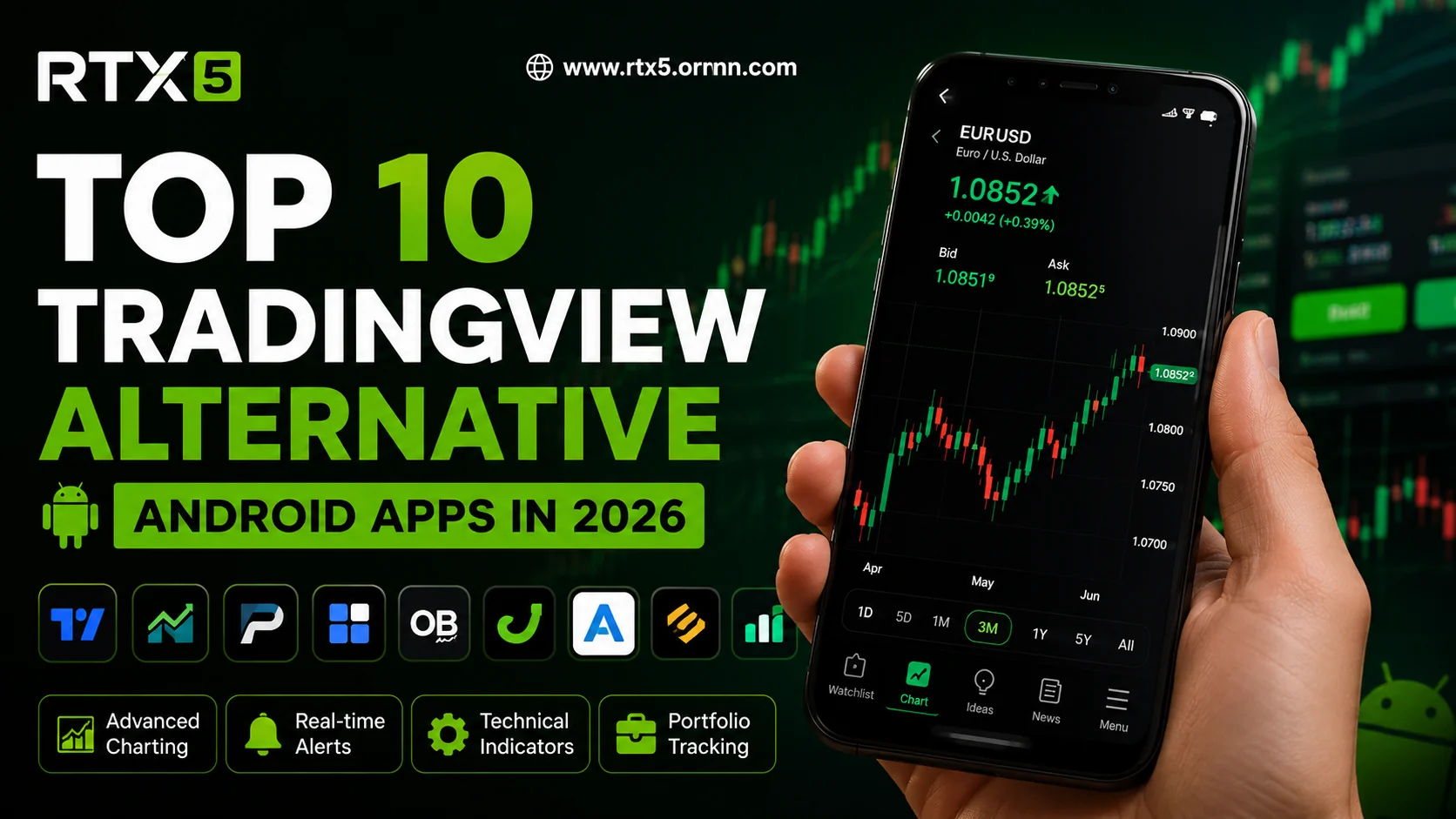
The proliferation of mobile devices has transformed how intermediate traders engage with financial markets, making the selection of an appropriate platform a critical decision for operational efficiency and analytical precision. In 2026, comparisons among TradingView, cTrader, and RTX5 assume particular importance because mobile accessibility directly influences execution speed, charting depth, and overall portfolio management outcomes. This analysis addresses the best mobile trading platform comparison by examining each solution through a structured lens that emphasizes functionality rather than promotional claims.
Intermediate traders require tools that balance sophisticated charting with reliable order management, especially when away from desktop environments. TradingView alternative mobile options, forex charting apps compared across ecosystems, and a dedicated cTrader Android review reveal distinct strengths in visualization, execution protocols, and integration capabilities. The discussion proceeds by dissecting mobile charting performance, platform-specific usability on Android and iOS, and advanced feature sets that support informed decision-making in volatile market conditions.
By presenting evidence-based observations rather than subjective rankings, this examination equips readers with the analytical framework necessary to align platform selection with individual trading methodologies. The subsequent sections evaluate each application in isolation before synthesizing comparative insights relevant to contemporary mobile workflows.
Mobile Charting Capabilities in TradingView
TradingView maintains a reputation for comprehensive charting tools that translate effectively to mobile interfaces, enabling intermediate traders to conduct technical analysis without significant loss of fidelity. The platform supports multiple timeframes, over 100 built-in indicators, and customizable layouts that mirror desktop configurations, thereby facilitating continuity across devices. Users can draw trend lines, apply Fibonacci retracements, and monitor real-time price action while receiving push notifications for pattern completions or alert triggers.
Practical application becomes evident when examining forex pairs during high-impact news events. An intermediate trader monitoring EUR/USD on a smartphone can simultaneously view volume profiles and moving average crossovers, then execute a limit order directly from the chart interface. This integration reduces latency between analysis and action, a factor that proves decisive in markets characterized by rapid price fluctuations. Data synchronization across devices further ensures that annotations created on mobile appear instantly on other screens.
Limitations surface primarily in screen real estate constraints, where overlapping indicators may require frequent zooming or menu navigation. Nevertheless, TradingView addresses these issues through gesture-based controls and collapsible panels that preserve analytical depth. The platform's cloud-based architecture also guarantees access to historical data sets without local storage demands, supporting extended backtesting sessions conducted entirely on mobile hardware.
Evaluating cTrader on Android and iOS Devices
A thorough cTrader Android review highlights the platform's emphasis on streamlined order execution and transparent pricing mechanisms within a mobile context. The application delivers depth-of-market visibility, one-click trading, and advanced order types such as stop-limit and trailing stops, all optimized for touch interaction. Intermediate traders benefit from algorithmic trading support that permits deployment of cBots directly from the mobile interface, extending automation beyond desktop boundaries.
Comparative analysis of forex charting apps compared in this category reveals cTrader's strength in multi-asset presentation and customizable watchlists. Charts render with high resolution and minimal lag, allowing simultaneous monitoring of correlated instruments such as major currency pairs and equity indices. The Android version incorporates biometric authentication and offline charting capabilities, ensuring continuity during intermittent connectivity. iOS counterparts maintain feature parity while adhering to platform-specific design conventions that enhance usability.
Real-world deployment scenarios demonstrate value when managing multiple positions across time zones. A trader can review open orders, adjust stop-loss parameters, and receive margin alerts without switching applications. Although the interface prioritizes functionality over extensive visual customization, the resulting clarity supports rapid comprehension during periods of elevated market activity. Integration with various liquidity providers further distinguishes cTrader by minimizing slippage on mobile-executed trades.
RTX5 Mobile Capabilities Compared
RTX5 positions itself as a robust environment for intermediate traders seeking institutional-grade analytics within a mobile framework. The platform incorporates advanced order flow visualization, heat maps, and multi-leg option strategies that remain accessible through responsive touch controls. Charting extends beyond standard technical indicators to include proprietary modules for volatility analysis and correlation matrices, delivered at refresh rates suitable for intraday decision-making.
Within the broader best mobile trading platform comparison, RTX5 distinguishes itself through seamless broker connectivity and risk-management overlays that display real-time exposure metrics. Traders can configure custom dashboards that aggregate data from equities, forex, and futures markets, then execute bracket orders with predefined risk parameters. The mobile application supports voice-command input for order placement, reducing manual interaction during fast-moving sessions.
Empirical observations indicate that RTX5 performs reliably under variable network conditions due to optimized data compression protocols. Intermediate users conducting swing trades benefit from extended charting histories and annotation persistence across sessions. While the learning curve exceeds that of simpler interfaces, the depth of available tools justifies investment for those requiring comprehensive mobile oversight of complex portfolios. Compatibility with external data feeds further augments analytical flexibility without compromising core execution reliability.
Conclusion
The examination demonstrates that each platform offers distinct mobile advantages aligned with specific analytical and execution priorities. TradingView excels in charting versatility, cTrader emphasizes transparent order handling, and RTX5 delivers advanced risk metrics within a unified interface. Intermediate traders should assess these attributes against personal workflow requirements to optimize mobile trading outcomes. Prospective users are encouraged to test each application through available demonstration accounts before committing to a primary platform.